how to convert battery operated devices to usb
How to Convert Battery-Operated Devices to USB: A Step-by-Step Guide
In today's fast-paced world, convenience is key. Many people are shifting to USB-powered devices for their ease of use, versatility, and universal compatibility. If you're tired of hunting for batteries or want a more eco-friendly way to power your devices, converting battery-operated gadgets to USB-powered ones is a smart solution. In this guide, we’ll explain how to convert your old battery-powered devices to USB, while also exploring some key products like USB backup batteries, USB battery lamps, and USB C rechargeable batteries that can enhance your experience.
Why Convert Battery-Powered Devices to USB?
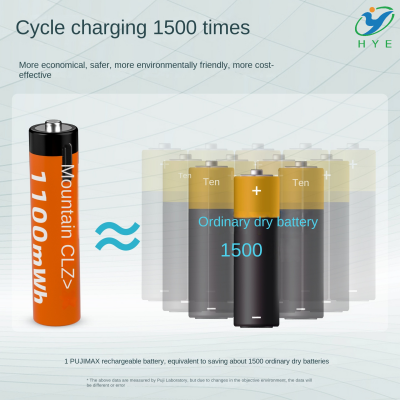
Battery-operated devices require frequent battery replacements, which can become both costly and inconvenient. Additionally, disposable batteries are harmful to the environment. By switching to USB, you can avoid the hassle of buying new batteries, save money in the long run, and reduce your environmental impact.
A USB-powered solution means you can use a USB charger for Lipo batteries or USB charging batteries to power your device—no more worries about running out of battery life. USB connections also provide a constant, reliable power source that allows you to continue using your device without interruption.
The Conversion Process: Step-by-Step
-
Identify the Power Requirements of Your Device
- The first step is to understand the power needs of the device you're converting. Whether it's a toy, a lamp, or a small appliance, knowing the voltage and current requirements is crucial for selecting the right USB power source.
-
Choose the Right USB Battery Pack for LED Lights
- For devices like LED lamps, you can use a USB battery pack for LED lights. These are compact and offer a stable power output that’s perfect for low-power LED systems. Ensure that the voltage output matches the device's requirements.
-
Choose a USB C Rechargeable Battery or USB Battery Backup
- For larger devices, you might need a USB backup battery or a USB C rechargeable battery. These are typically higher capacity and can be used to power devices for longer periods. If you’re converting a high-drain device, opting for a USB battery power supply with more capacity will ensure reliable operation.
-
Wiring the USB Connection
- You’ll need to connect the device's internal wiring to the USB port. Start by cutting the battery compartment connections and exposing the leads to which the battery was originally connected.
- Then, wire these leads to a USB cable. Make sure to connect the positive lead to the positive pin and the negative lead to the negative pin. You might need a small step-down converter to ensure the voltage matches the requirements of your device.
-
Using a USB Charger for Lipo Battery
- For certain devices that require a more specific power input, like a USB charger for Lipo batteries, you’ll need a charger that can handle lithium polymer batteries. This ensures that the device receives consistent power and doesn't overcharge or damage the battery.
-
Testing the Conversion
- Once you've made all the necessary connections, plug the USB cable into a power source such as a USB battery lamp or USB charger. Switch on your device to ensure it works properly with the new power supply.
Benefits of USB-Powered Devices
-
Convenience
- USB-powered devices can be plugged directly into a power bank, wall charger, or any USB port. No need to buy or replace batteries, making them more convenient in the long run.
-
Eco-Friendly
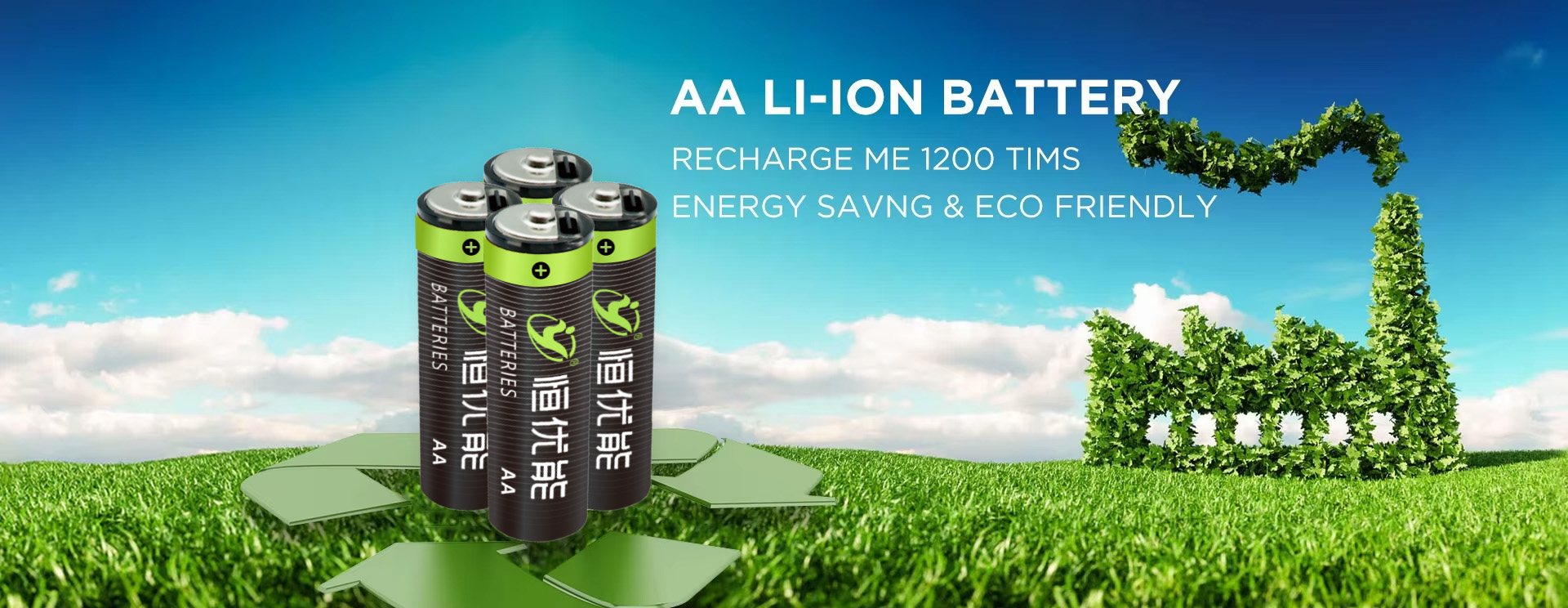
- Reducing battery waste is better for the environment. With USB-powered devices, you can reduce your carbon footprint by eliminating the need for disposable batteries.
-
Cost-Effective
- While the initial investment in USB-powered devices may be higher, you’ll save money in the long term since you no longer need to constantly buy new batteries.
-
Portability
- With a USB battery pack for LED lights or a USB backup battery, you can keep your devices powered on-the-go, making them perfect for camping, hiking, or traveling.
Popular USB Products for Device Conversion
-
USB Battery Lamp: These lamps are a great example of how to easily convert a traditional battery-operated light to a more modern, USB-powered system. Simply connect a USB charging battery to power the lamp, and you’ll have reliable lighting without the need for disposable batteries.
-
USB Battery Backup: If you want to power devices that require higher energy outputs, consider investing in a USB battery backup. These units are capable of providing a consistent power source for more demanding devices, such as fans, small appliances, or even some medical devices.
-
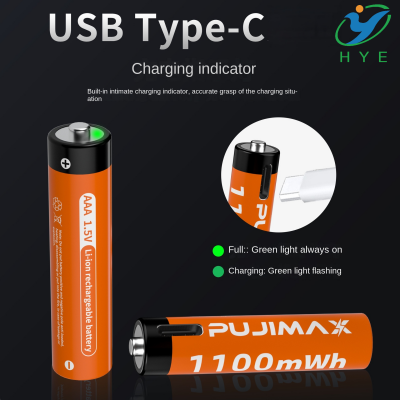
USB C Rechargeable Battery: This is a great option for users who are upgrading to the latest USB technology. USB-C provides faster charging and better power efficiency, making it ideal for devices that need to be charged quickly or frequently.
-
USB Charger for Lipo Battery: Lithium-polymer batteries are often used in gadgets like drones, cameras, and electric devices. A USB charger for Lipo batteries ensures that these specialized devices are charged safely and efficiently, offering a seamless transition from traditional charging methods.
Final Thoughts
Converting your battery-operated devices to USB-powered ones is an excellent way to embrace modern technology while reducing waste and saving money. Whether you’re using a USB C rechargeable battery for high-performance gadgets or a simple USB backup battery for LED lights, the possibilities are endless. The conversion process is relatively simple and can be done with basic tools, making it an ideal DIY project for tech enthusiasts.
So, if you’re looking for a hassle-free, eco-friendly, and cost-effective way to power your devices, converting them to USB is the way to go. Ready to make the switch? Grab your tools, your USB chargers, and let’s power up
how to convert battery operated to usb
how to convert aa battery to usb