how to charge rechargeable batteries via usb
How to Charge Rechargeable Batteries via USB: A Complete Guide
In today’s fast-paced, tech-savvy world, charging your devices has never been easier—thanks to USB charging technology. Whether it’s your smartphone, laptop, or even your rechargeable batteries, USB charging is a universal solution. But what if you could charge your AA rechargeable batteries via USB? It sounds like a game-changer, right? Let’s dive into how to charge rechargeable batteries using USB technology, and explore the convenience it offers.
Understanding the Basics of USB Charging
USB, short for Universal Serial Bus, is a standard for connecting devices and transferring data and power. With the rapid adoption of USB technology, it has become the go-to method for charging almost all kinds of devices. When it comes to rechargeable batteries, using a USB port to charge them eliminates the need for a separate battery charger. A USB with battery symbol usually indicates that the device is capable of charging via USB, offering a streamlined, convenient solution.
The Rise of USB Rechargeable AA Batteries
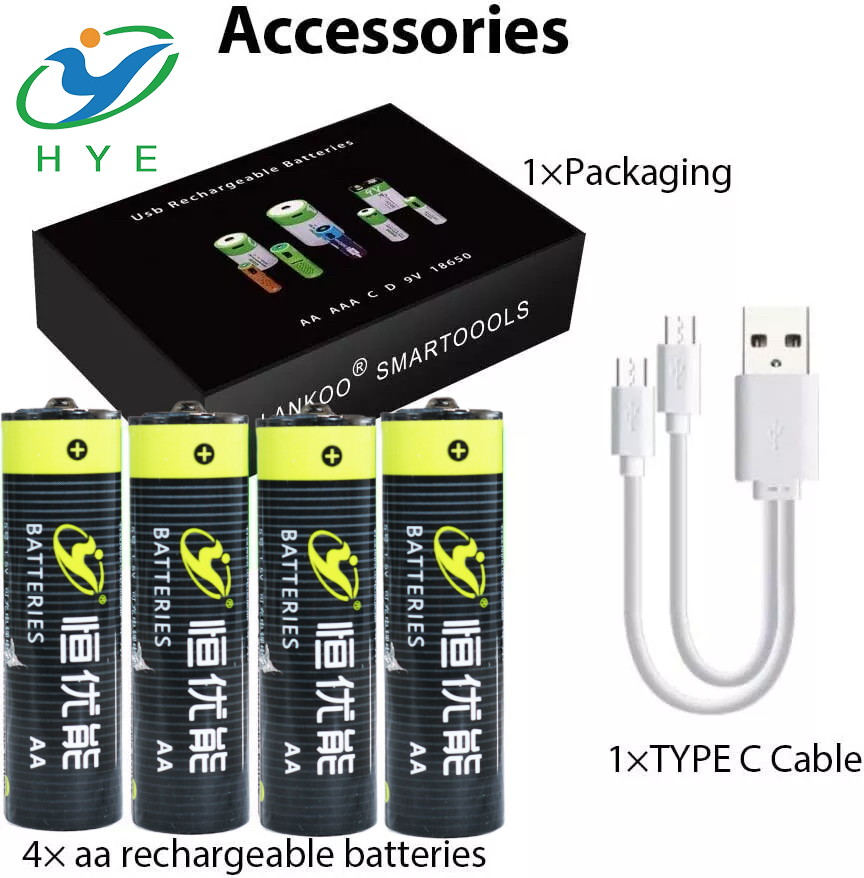
Traditionally, charging AA batteries meant having to rely on bulky chargers or swapping out disposable batteries. However, rechargeable AA USB batteries have revolutionized the way we power devices. These rechargeable batteries come with a built-in USB port, which allows you to plug them directly into any USB power source—whether it’s a wall charger, computer USB port, or portable power bank. This feature makes it incredibly easy and eco-friendly to recharge your batteries without any additional equipment.
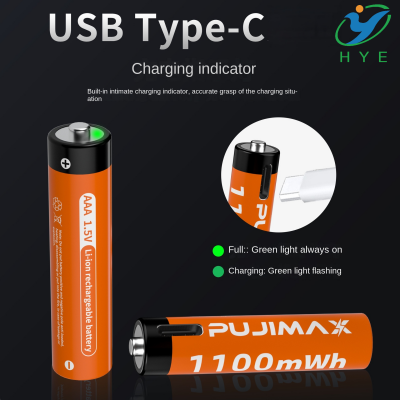
A prime example is the USB-C AA battery. These advanced rechargeable AA batteries are designed to work with the latest USB-C connectors, ensuring faster charging and improved power efficiency. USB-C technology is becoming the standard for many modern devices, and now it's making its way into the world of rechargeable batteries.
How to Charge Rechargeable Batteries via USB
Charging your rechargeable AA USB batteries is straightforward. Here’s a simple guide to help you through the process:
-
Check the Battery: First, ensure you are using rechargeable AA USB batteries that support USB charging. These batteries typically come with a small built-in port (often a micro-USB or USB-C) that can be plugged directly into a power source.
-
Choose the Right Charging Source: Plug your USB-equipped rechargeable AA batteries into a USB port. This can be a computer’s USB port, a USB wall adapter, or even a portable power bank. For quicker charging, it’s best to use a USB-C AA battery, as it supports faster charging speeds compared to the older USB-A ports.
-
Wait for Charging to Complete: The charging process is usually indicated by an LED light on the battery itself. Red typically means charging, and green or blue indicates a full charge. The exact duration will depend on the capacity of the battery and the charging method used. It can range from an hour to a few hours, depending on the battery type.
-
Remove When Fully Charged: Once the USB battery charge is complete, unplug it and it’s ready to use again. With USB rechargeable AA batteries, you can eliminate the need for disposable batteries and reduce environmental waste.
The Benefits of Charging via USB
Charging via USB offers several benefits:
-
Convenience: USB ports are everywhere—on your computer, wall chargers, and even in cars. With battery chargers AA USB, you don’t need to carry around bulky chargers or worry about finding specific charging equipment. A simple USB cable does the trick.
-
Faster Charging: Many USB-C rechargeable batteries support fast charging, allowing you to power up your batteries in less time compared to traditional methods.
-
Cost-Effective: The computer USB battery price is often much lower than that of traditional charging equipment. By investing in rechargeable batteries with USB functionality, you save money over time by avoiding the need to buy disposable batteries regularly.
-
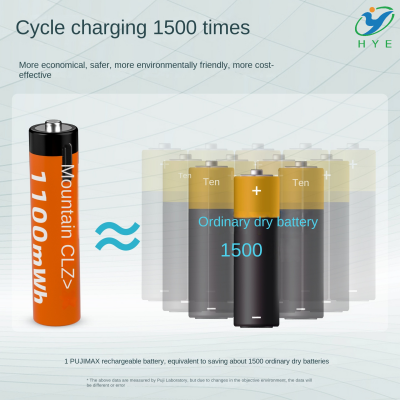
Eco-Friendly: USB charging reduces waste associated with disposable batteries. With rechargeable AA USB batteries, you can reuse your power source countless times, helping to protect the environment.
Exploring USB Battery Options
There are numerous options when it comes to USB rechargeable batteries. While rechargeable AA USB batteries are the most common, there are also other types available, including AAA and 9V batteries. Some brands even offer multi-function chargers that allow you to charge several batteries at once, which is perfect for devices that require multiple batteries.
Additionally, with the rise of USB-C technology, many new USB-C AA batteries are on the market. These batteries allow for faster charging and better compatibility with newer devices that use USB-C ports, such as laptops and modern smartphones.
For those looking to save even more space and enjoy more versatility, there are compact chargers and battery holders that integrate USB charging ports. With these tools, you can easily charge your rechargeable batteries without needing an external charger or power outlet.
Conclusion
Charging your rechargeable batteries via USB is a simple, efficient, and eco-friendly solution to keeping your devices powered up. Whether you're using USB-C AA batteries, rechargeable AA USB batteries, or a battery charger AA USB, the convenience of USB charging eliminates the need for bulky chargers and makes it easier to power your devices without hassle.
So, the next time you reach for a USB with battery symbol or a USB battery charge, remember that this technology is here to make your life easier. Say goodbye to disposable batteries and embrace the future of charging with rechargeable AA USB batteries. It's time to charge smarter, not harder!
how to charge vivint panel battery with usb
how to charge nikon d3300 battery via usb