Do 3D Hologram fan Require Special Software
3D Hologram Fan Software: Complete Guide to Applications and Usage
Essential Facts About 3D Hologram Fan Software
When considering holographic display technology, understanding the role of 3D hologram fan software is crucial. The truth is simpler than you might expect - most solutions utilize straightforward 3D hologram fan app options that are both free and user-friendly. For the majority of users, including homeowners, small businesses, and event planners, operating these systems requires nothing more than a basic smartphone application or simple computer program. The advanced 3D hologram fan software eliminates the need for coding expertise, design qualifications, or costly subscription fees.
Why 3D Hologram Fan Software Matters
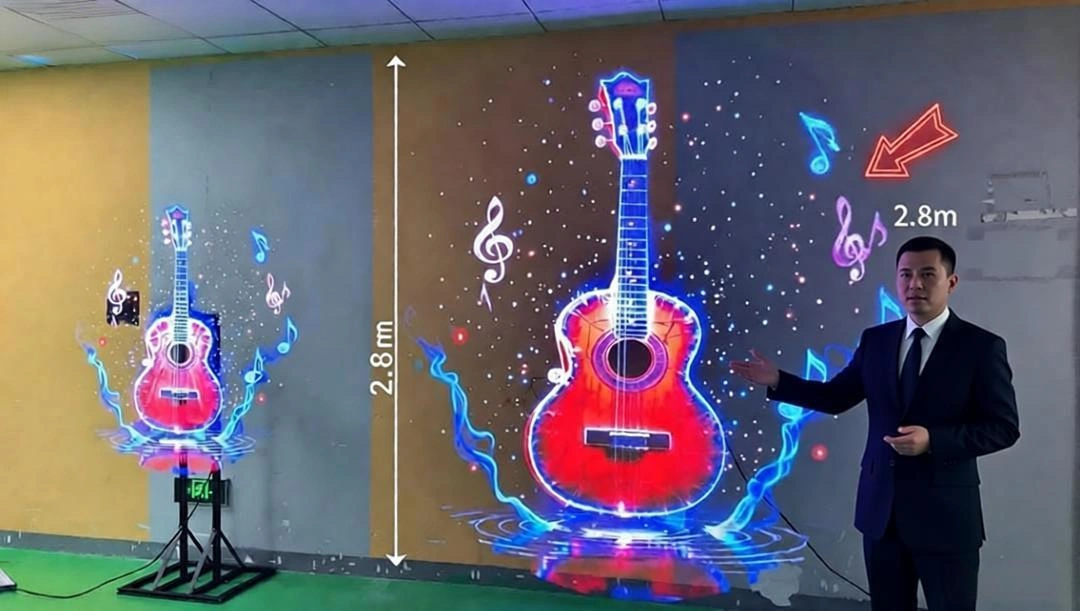
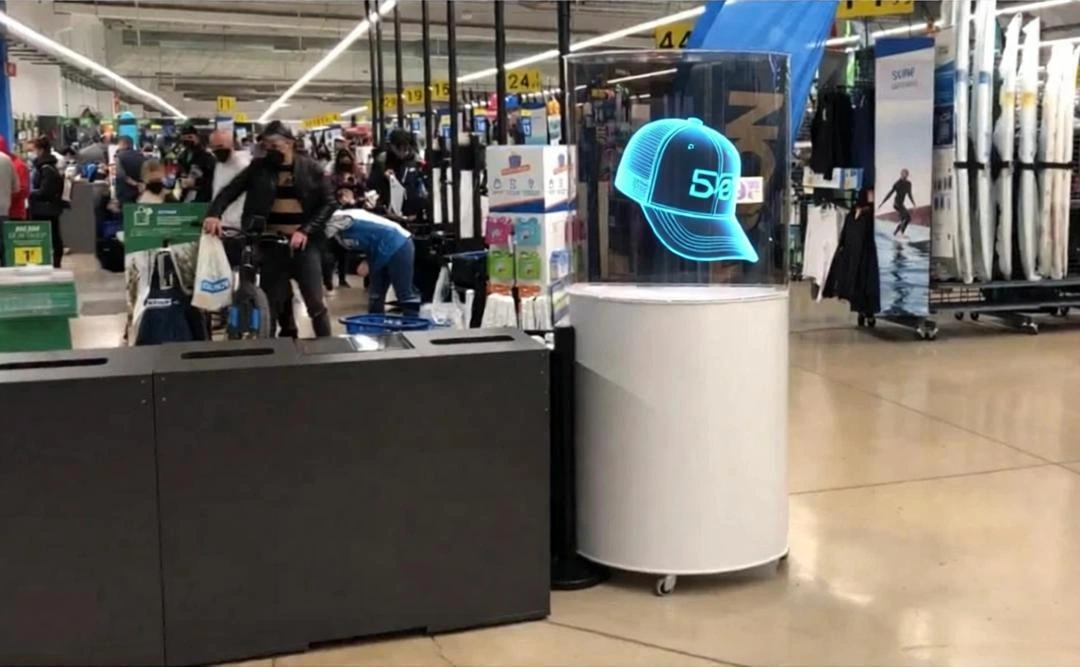
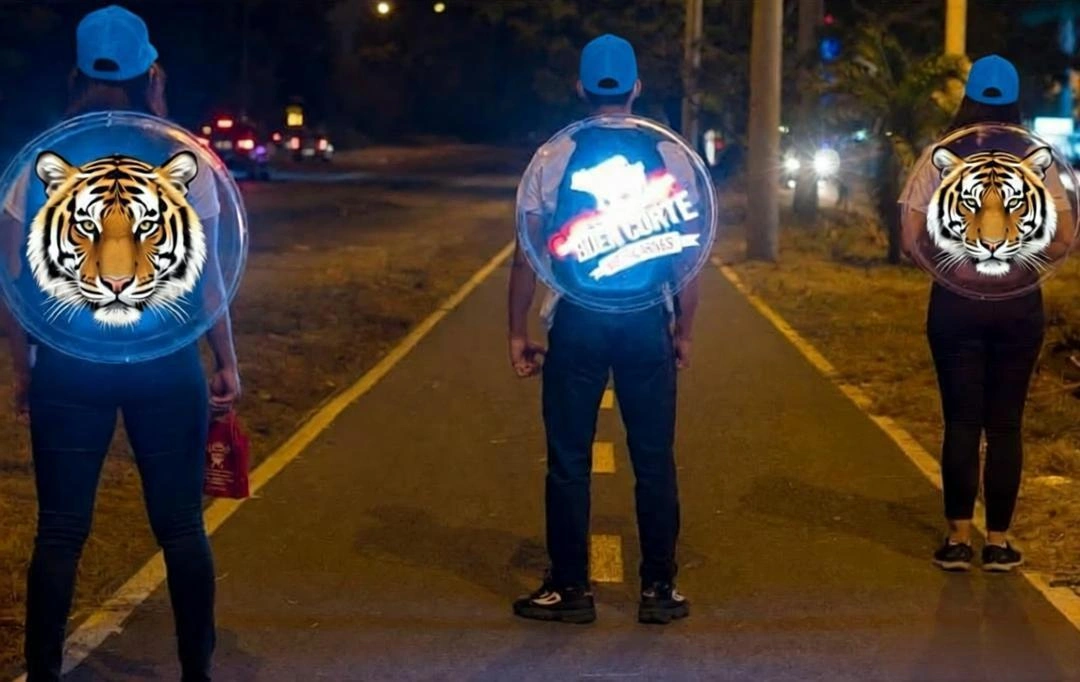
The sophisticated 3D hologram fan software serves as the brain behind the visual magic. These applications transform standard photos and videos into captivating floating 3D illusions through precise programming. The specialized 3D hologram fan app coordinates the exact timing, color sequences, and rotational synchronization of the LED strips, creating the depth perception that makes holograms so compelling. Modern 3D hologram fan software solutions prioritize user-friendliness while delivering professional results.
Three Types of 3D Hologram Fan Software Solutions
For Home Users & Small Businesses: Mobile Applications
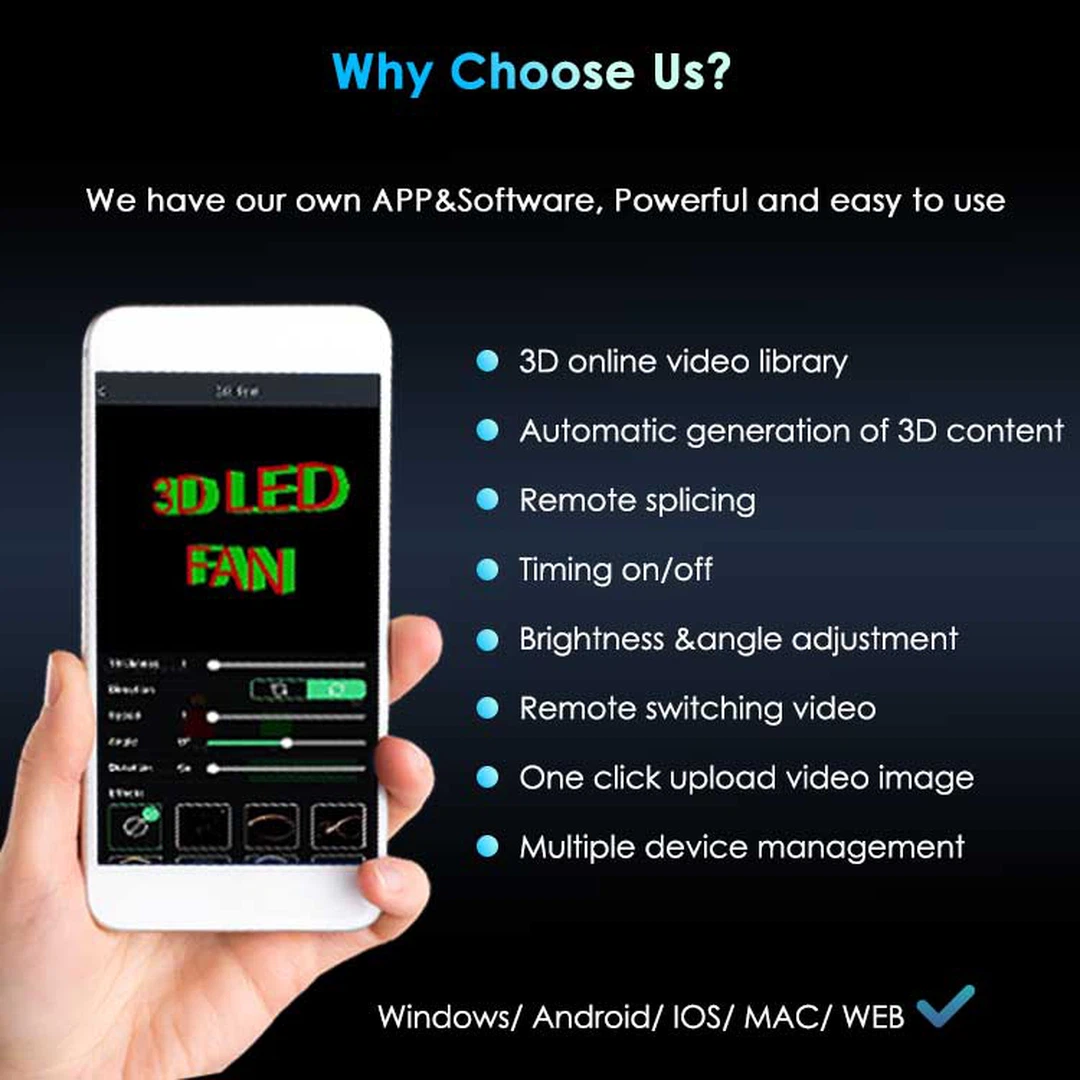
The most accessible form of 3D hologram fan software comes as free mobile apps. These intuitive 3D hologram fan app options allow users to:
-
Upload content directly from smartphone galleries
-
Adjust display settings including brightness and rotation speed
-
Access pre-designed templates for various occasions
-
Control multiple units simultaneously through a single 3D hologram fan app
For Content Creators: Desktop Software Solutions
Enhanced 3D hologram fan software for computers provides additional customization capabilities:
-
Drag-and-drop content management systems
-
Integrated editing tools for text and visual enhancements
-
Background removal features for professional presentations
-
Compatibility with standard video formats and editing software
For Professional Applications: Advanced Software Platforms
Sophisticated 3D hologram fan software meets enterprise requirements through:
-
SDK and API integration for custom development
-
Cloud-based management of multiple device networks
-
Real-time content streaming capabilities
-
Large-scale synchronization across numerous displays
Debunking Common Software Misconceptions
Many users hesitate due to misunderstandings about 3D hologram fan software requirements. The reality demonstrates that:
-
Free 3D hologram fan app options provide comprehensive functionality
-
No ongoing subscription costs for basic software features
-
Offline operation through SD card compatibility
-
User-friendly interfaces requiring minimal technical knowledge
Selecting the Right 3D Hologram Fan Software
Choosing appropriate 3D hologram fan software depends on specific use cases:
Home and Event Applications
-
Mobile 3D hologram fan app compatibility
-
Pre-loaded template libraries
-
Offline functionality through local storage
-
Quick content upload capabilities
Business and Commercial Use
-
Remote management features
-
Multi-unit synchronization
-
Content scheduling options
-
Network connectivity options
Professional and Industrial Requirements
-
Custom development capabilities
-
High-resolution content support
-
Integration with existing systems
-
Advanced control protocols
Getting Started with 3D Hologram Fan Software
Implementing basic 3D hologram fan software typically involves:
-
Physical setup and mounting of display units
-
Power connection and system initialization
-
Downloading the appropriate 3D hologram fan app
-
Network configuration and device pairing
-
Content selection and transmission
The Future of 3D Hologram Fan Software
Modern 3D hologram fan software continues evolving toward greater accessibility and functionality. As technology advances, users can anticipate:
-
Enhanced template libraries and design options
-
Artificial intelligence integration for content optimization
-
Improved user interfaces and simplified workflows
-
Expanded compatibility with various content formats
HYE remains committed to developing innovative 3D hologram fan software solutions that make advanced display technology accessible to all users, regardless of technical background or budget constraints.
Why Is My 3d Holographic fan Not Working
Do 3D LED fan Really Work